
ContentsCox and riggings
For club officials
Cox and riggings
The cox is logged separately, and the same boat can go out sculling or sweeping. The logbook and the statistics take both into account.
- Where to find it
- Boathouse › Start session; riggings in Management › Boats
- Available since
- v2.0 (October 2026)
- Module to turn on
- None. The Captain module is separate.
What it is for
Have the logbook show who coxed, and in what configuration the boat went out.
In the app
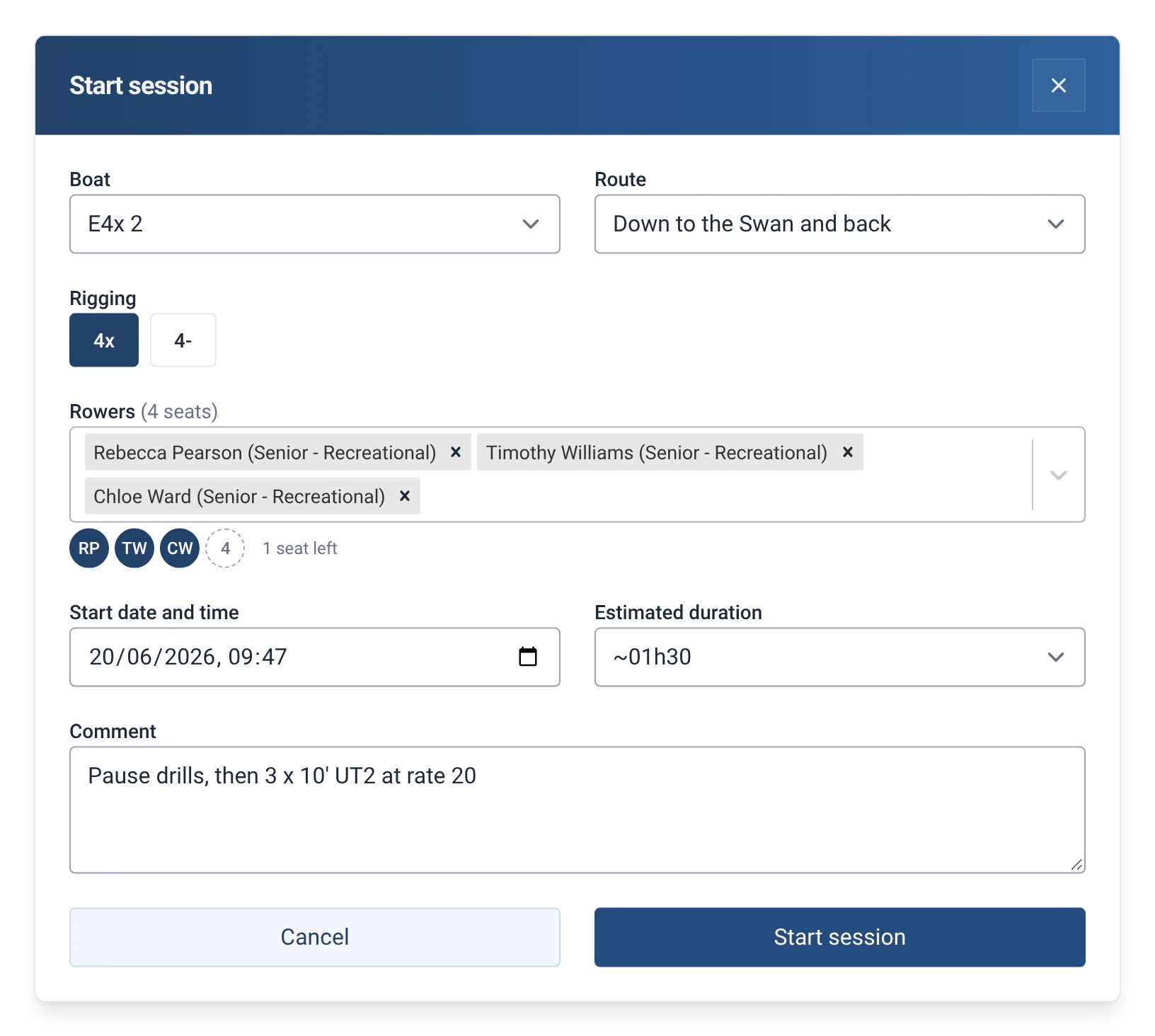
“A boat that can be rigged for sculling and sweep (4x / 4-) has several riggings; the choice is offered at departure.”
How to use it
- In Management › Boats, the boat’s page lists its “Riggings”: number of seats, scull or sweep, coxed or not. “Add a rigging” creates another.
- At departure, if the boat has several riggings, the “Rigging” field offers the choice.
- The cox is chosen in a “Cox” field, separate from the rowers.
- If the number of people does not match the boat, the app says so, for example “You have entered 4 person(s) on board, cox included”, and asks for confirmation.
Limits and details
- In the logbook, the cox is marked “(cox)”. A rower’s statistics count their “Outings as cox”.
- For sweep, the number of seats must be even.
- When an efa2 project is imported, efa’s boat variants become riggings. See Switching from efa2, and back.
- The captain, the person responsible for the crew, is handled by a separate module. See Captain of the crew.