
ContentsCoach’s note
At the pontoon
Coach’s note
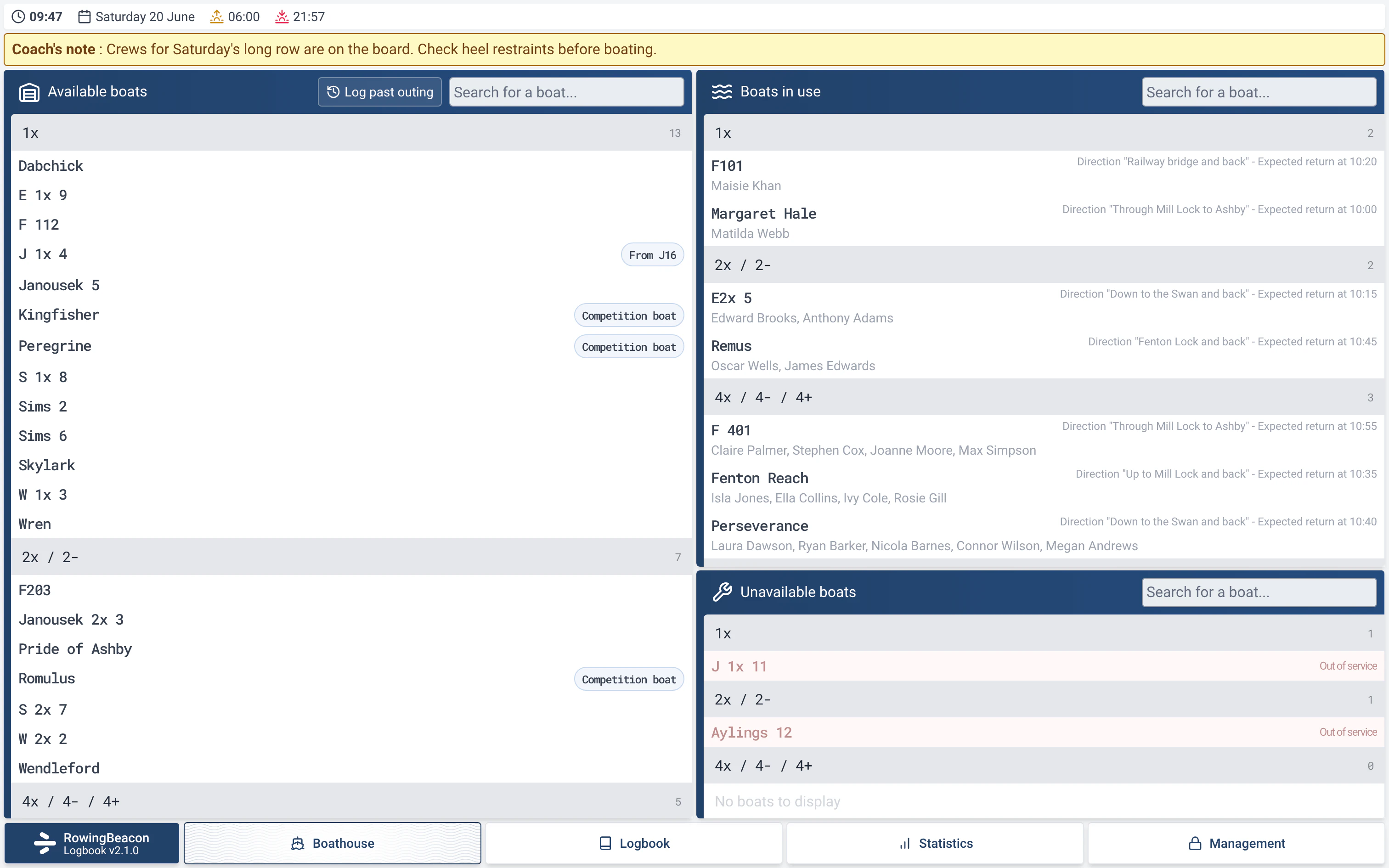
A message from the coach shown at the top of the boathouse screen, so every rower sees it at the moment they pick a boat for their outing.
- Where to find it
- Management › Miscellaneous settings › Coach’s note
- Available since
- the first versions (2024)
- Module to turn on
- None
What it is for
Pass an instruction to all rowers where they will see it: when they pick a boat.
How to use it
- Open Management › Miscellaneous settings, with the admin password.
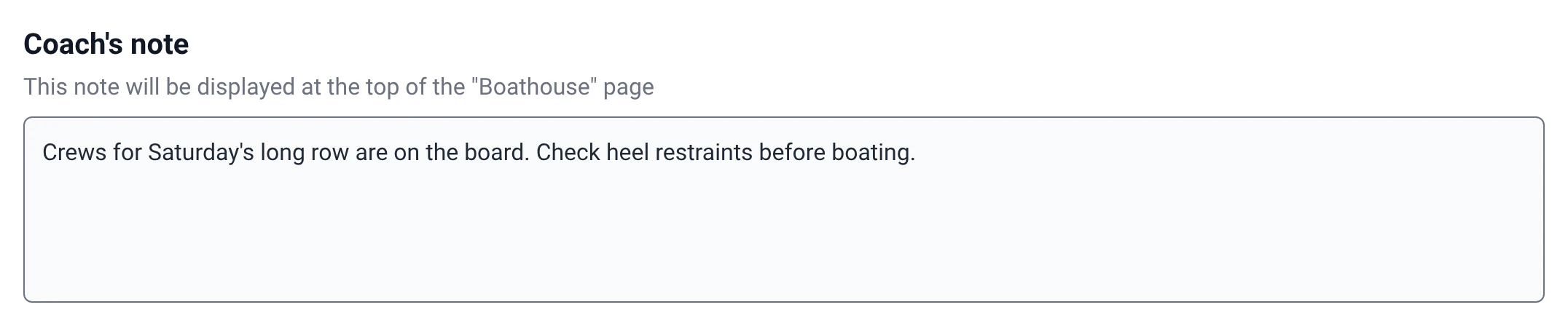
- Write the message in the “Coach’s note” field. The app adds: “This note will be displayed at the top of the "Boathouse" page”.
- The note appears in a yellow banner at the top of the boathouse screen. If it is long, it is shortened; a click shows it in full.
- To remove it, empty the field.
Limits and details
- Only one note is shown at a time, for the whole club.
- For an instruction specific to one boat, use the boat’s note, in Management › Boats (“Note (displayed at session start)”): it is shown when that boat is picked.