
ContentsRowers, boats and routes
For club officials
Rowers, boats and routes
The club’s rowers, boats and routes are entered once, edited in bulk, archived without losing anything and copied to another computer.
- Where to find it
- Management › Rowers, Management › Boats, Management › Miscellaneous settings and Management › Modules
- Available since
- the first versions (2024); bulk adding and search in January 2025
- Module to turn on
- None. The optional modules are turned on in Management › Modules, see the table below.
What it is for
At the pontoon, rowers choose from lists instead of writing names. Names stay identical from one outing to the next, which makes the logbook and the statistics reliable.
How to use it
- On first launch, paste your boats, your routes (optional) and your rowers, one per line.
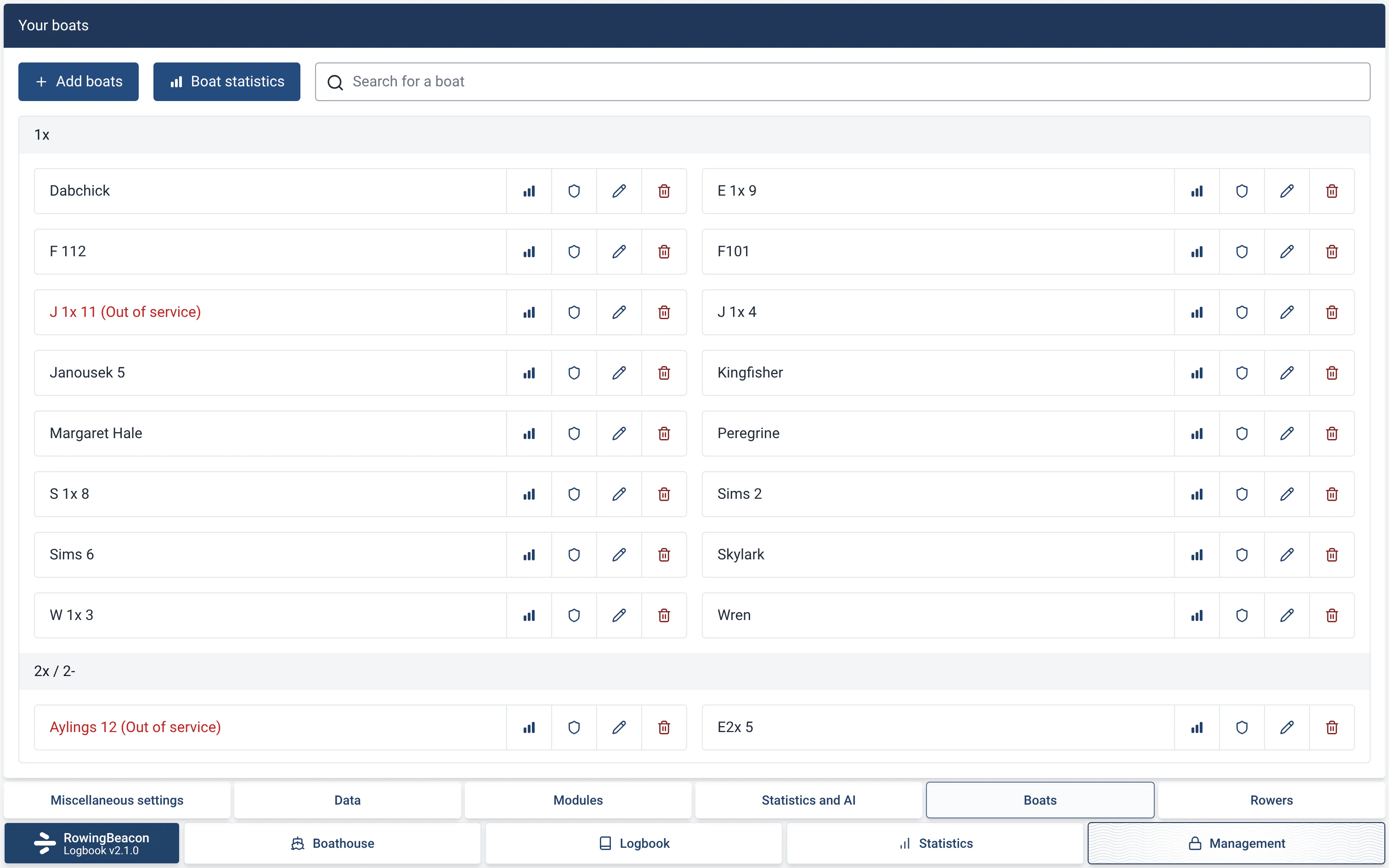
- Afterwards, in Management › Rowers and Management › Boats (admin password), add several names at once, one per line, with a default category and type for rowers, and a type for boats. Each page has a search and a “Bulk edit”.
- Routes are managed in Management › Miscellaneous settings › “Configure routes”.
- To set up the same list on another computer: Management › Miscellaneous settings › “Export all data” (a JSON file), then “Import data” on the other computer (since v1.20, October 2025).
- To add optional features, open Management › Modules (admin password) and turn each module on or off. Its fields appear or disappear straight away: at departure, on return, in the logbook, in the statistics and in the exports.
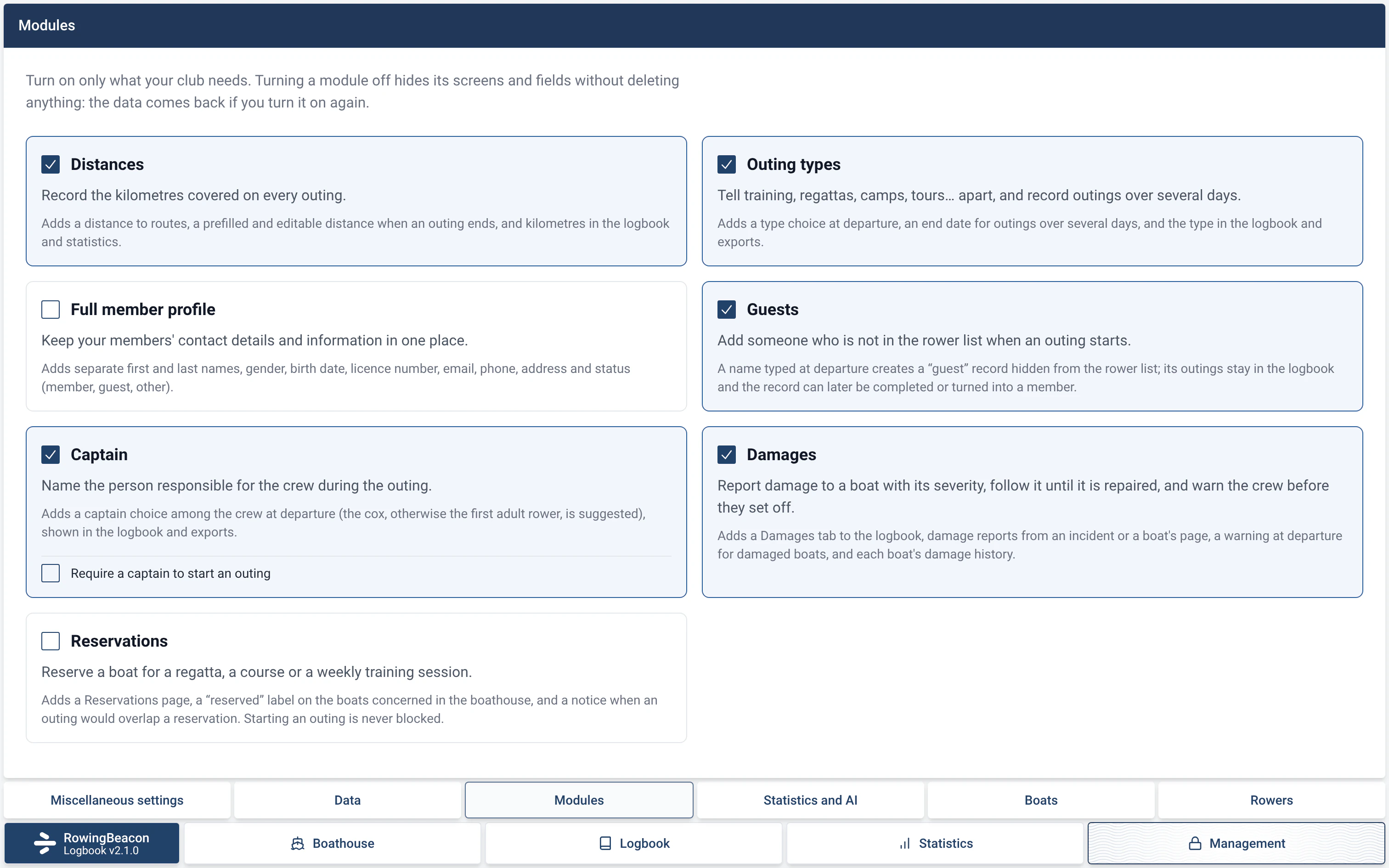
The seven modules
| Module | What it adds, according to the app |
|---|---|
| Distances | “Adds a distance to routes, a prefilled and editable distance when an outing ends, and kilometres in the logbook and statistics.” |
| Outing types | “Adds a type choice at departure, an end date for outings over several days, and the type in the logbook and exports.” |
| Full member profile | “Adds separate first and last names, gender, birth date, licence number, email, phone, address and status (member, guest, other).” |
| Guests | “A name typed at departure creates a “guest” record hidden from the rower list; its outings stay in the logbook and the record can later be completed or turned into a member.” |
| Captain | “Adds a captain choice among the crew at departure (the cox, otherwise the first adult rower, is suggested), shown in the logbook and exports.” |
| Damages | “Adds a Damages tab to the logbook, damage reports from an incident or a boat's page, a warning at departure for damaged boats, and each boat's damage history.” |
| Reservations | “Adds a Reservations page, a “reserved” label on the boats concerned in the boathouse, and a notice when an outing would overlap a reservation. Starting an outing is never blocked.” |
Limits and details
- Modules: turning a module off hides its screens and fields without deleting anything. The data comes back if you turn it on again.
- The profile chosen on first launch makes a first selection: “Simple” turns on no module, “Full club” turns them all on. An efa2 import, including through “I’m coming from efa”, turns on the modules whose data the project contains. See Installation in minutes and Switching from efa2, and back.
- The Statistics tab is not a module: it is always there. See Statistics.
- A boat, a rower or a route is not deleted, it is archived. The app explains: “It will no longer be possible to record sessions with this rower, but recorded data will not be affected.”
- Each boat can have a note (“Note (displayed at session start)”), level requirements and riggings. Its page also lets you set it “Out of service”, and with the Damages module report or repair a damage: see Boat damage reports.
- The configuration export contains the boats, routes and rowers, not the outings. On import, they are added to the existing data.
- To copy all the club’s data, outings included, use a backup. See Automatic backups.