
ContentsLightweight, even on an old computer
The club computer
Lightweight, even on an old computer
A Windows installer of a few MB, tested on a second-hand mini PC costing €75, that works without an Internet connection.
- Where to find it
- Management › Miscellaneous settings › Auto-start
- Available since
- v0.14 (December 2024) for the SQLite database and auto-start
- Module to turn on
- None
What it is for
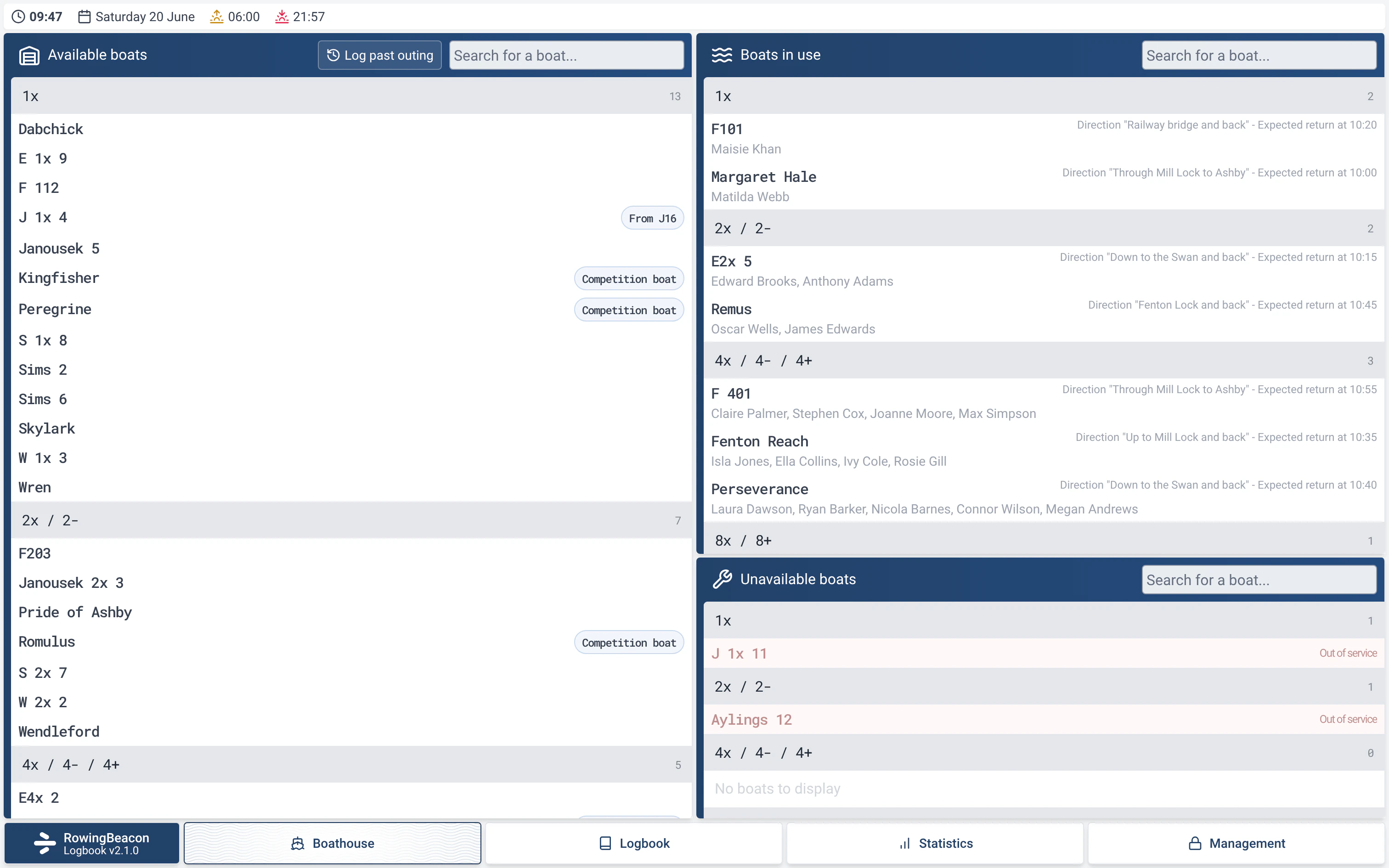
Run the logbook on the boathouse computer, often old or second-hand, and leave it on all the time, even without an Internet connection.
In detail
- Size: the Windows installer weighs a few MB (5.8 MB for version 2.0.1), and the Linux AppImage around a hundred (94 MB for version 2.0.1).
- Hardware: the app has been tested on a second-hand mini PC costing €75. The SQLite database holds millions of outings without slowing down.
- No Internet needed: the app works without a connection. It only uses one to look for an update (see Automatic updates) and, if you turn it on, for the statistics AI assistant. The data and backups stay on the club computer, apart from the external copy if you choose one.
- Auto-start: in Management › Miscellaneous settings, “Enable auto-start”. RowingBeacon then launches when the computer starts.
Limits and details
- For a small screen, the app’s menu has a “Zoom” setting (+ / −).
- “Close application” asks for the admin password: on a dedicated computer, the app stays open.
- The AppImage has been tested on Debian 12 by Université de Nantes Aviron.