
ContentsCoached outings
At the pontoon
Coached outings
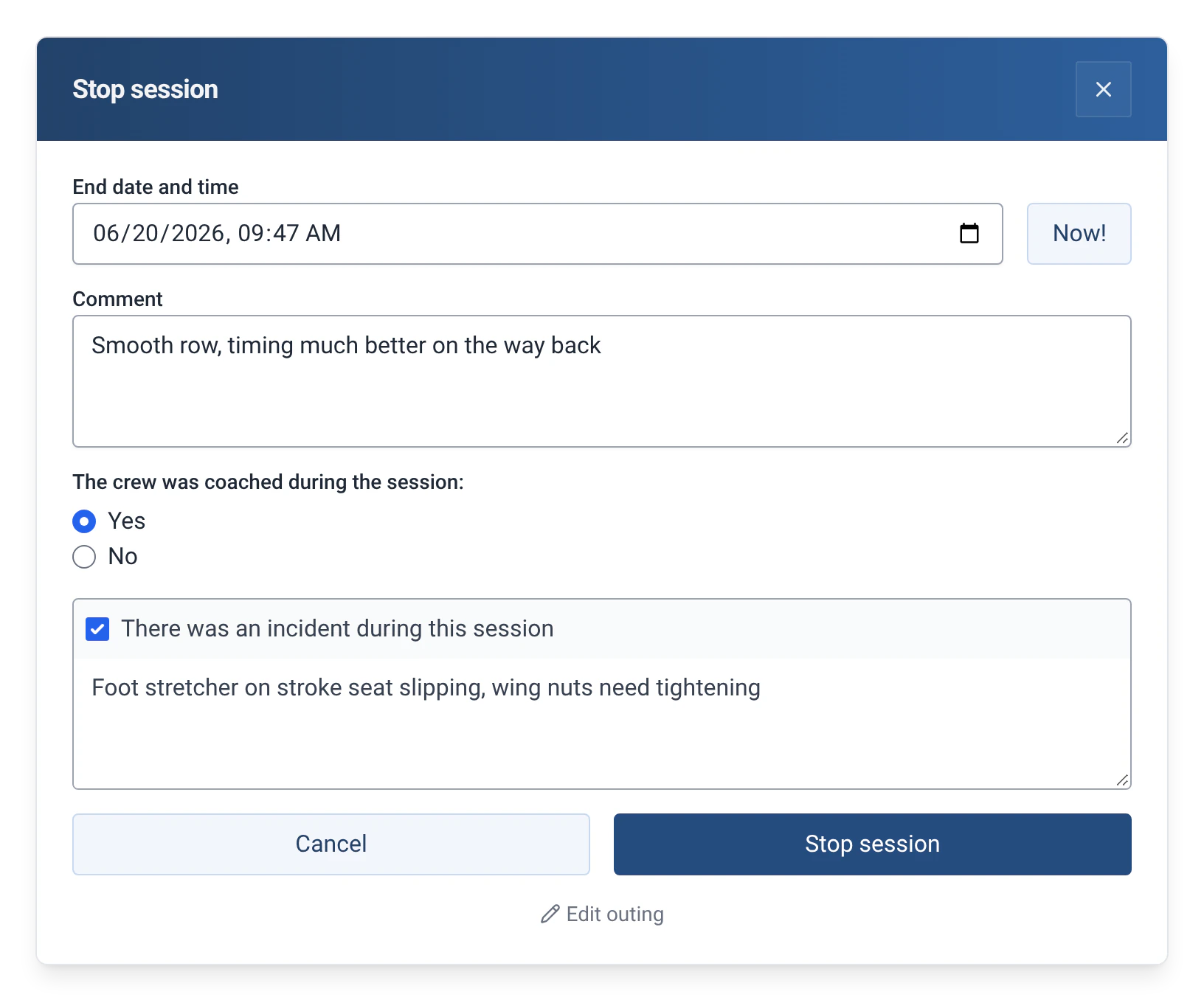
At the end of each outing, the crew says whether a coach was with them. The information appears in the logbook, the statistics and the exports.
- Where to find it
- Boathouse › Stop session
- Available since
- v1.18 (August 2025)
- Module to turn on
- None
What it is for
Know which outings were coached, for example for juniors or beginners, and find that information in your reports.
How to use it
- In “Stop session”, answer “Yes” or “No” to the question “The crew were coached during the session:”.
- In the logbook, the outing is marked “Coached session” or “Uncoached session”.
- In a rower’s statistics (Management › Rowers), the “Coached sessions” line gives the number and percentage of their coached outings.
- The information is also in the exports. See Exporting outings.
Limits and details
- Coaching is logged on return, not at departure.